
DIINNO Toolbox PC
The free Windows tool for electricity meters – LMN, INFO and MSB on the test bench and on site
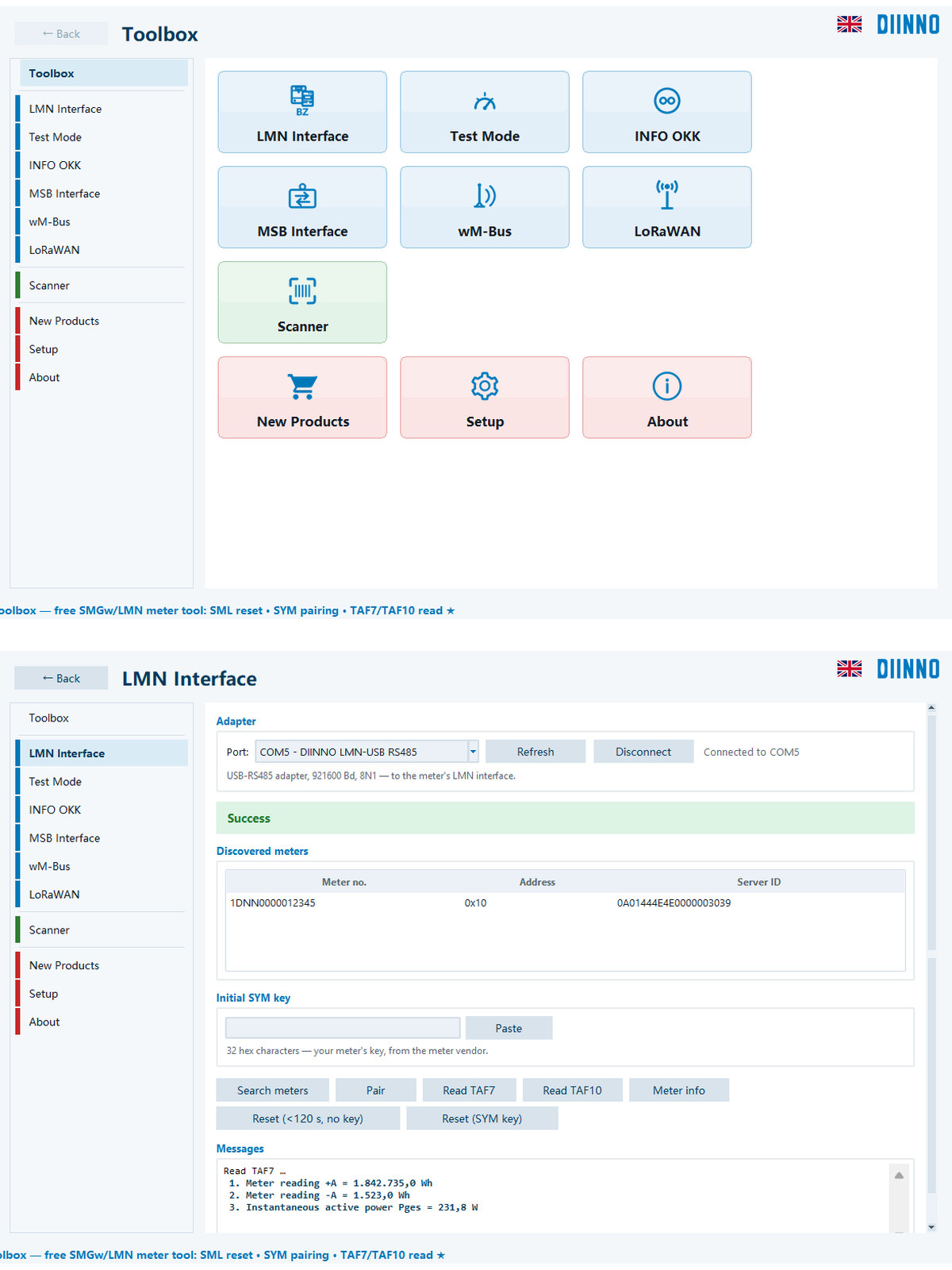
DIINNO Toolbox PC is the Windows version of the DIINNO Toolbox APP. It reads electricity meters over the LMN, INFO and MSB interfaces, receives wM-Bus and listens to LoRaWAN. It is free and needs neither an installation nor an account.
It also works with USB serial adapters and optical heads from other vendors. If data arrives that cannot be decoded, it names the likely cause – for example an inverted signal on the RJ10 socket or an optical head that is not centred.
Meter and key data stay on your machine. No ads, no tracking, no registration.
Download (v0.17.11, 25.0 MB)We sell exclusively to businesses (entrepreneurs within the meaning of Section 14 of the German Civil Code, BGB), legal entities under public law and special funds under public law. No sales to consumers.
Functions
For test labs, metering point operators (Messstellenbetreiber) and municipal utilities: from the test bench to the field.
Technical data
- Current version
- v0.17.11 (4 Nov 2026)
- Platform
- Windows 10 / 11 (64-bit)
- Installation
- None: unzip and start, no administrator rights needed
- Price
- Free, no account and no activation code
- Languages
- German, English, Chinese
- Privacy
- Data stays on your machine; no tracking. Product information from diinno.de is fetched without any identifier and can be switched off.
- Keys
- Visible in the program and the log only as a fingerprint; remembered keys are encrypted with Windows DPAPI
LMN interface
Find meters, SYM pairing with your meter's key, TLS, TAF7 and TAF10 readout, meter info. A coloured bar shows the result of every action; readings appear with register name, converted value and unit.
INFO OKK
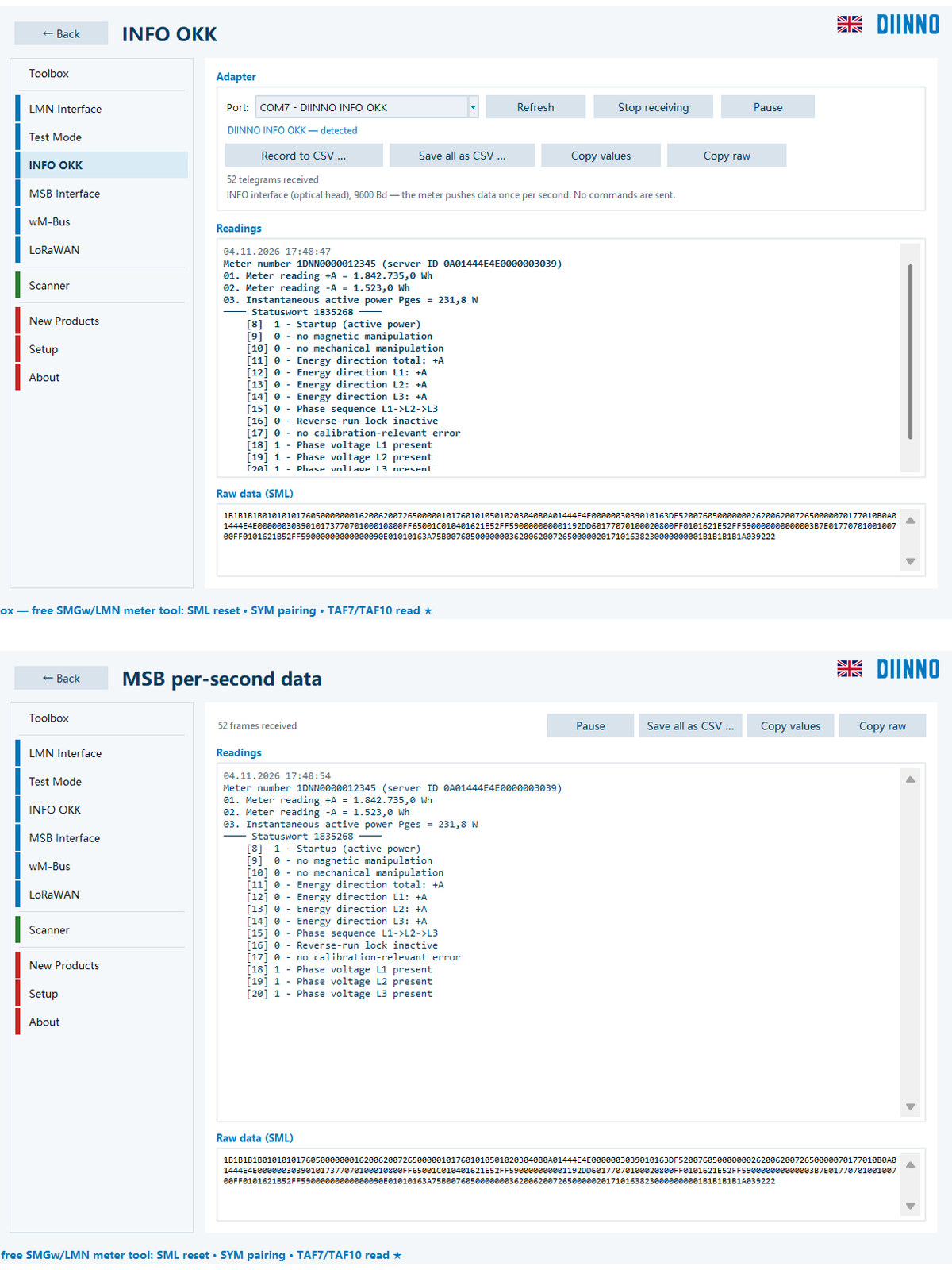
Reads the per-second SML data stream of the optical INFO interface: meter number, readings, status word in plain text and raw data. Continuous CSV recording; corrupted telegrams are marked as CRC errors. The program sends nothing.
MSB interface
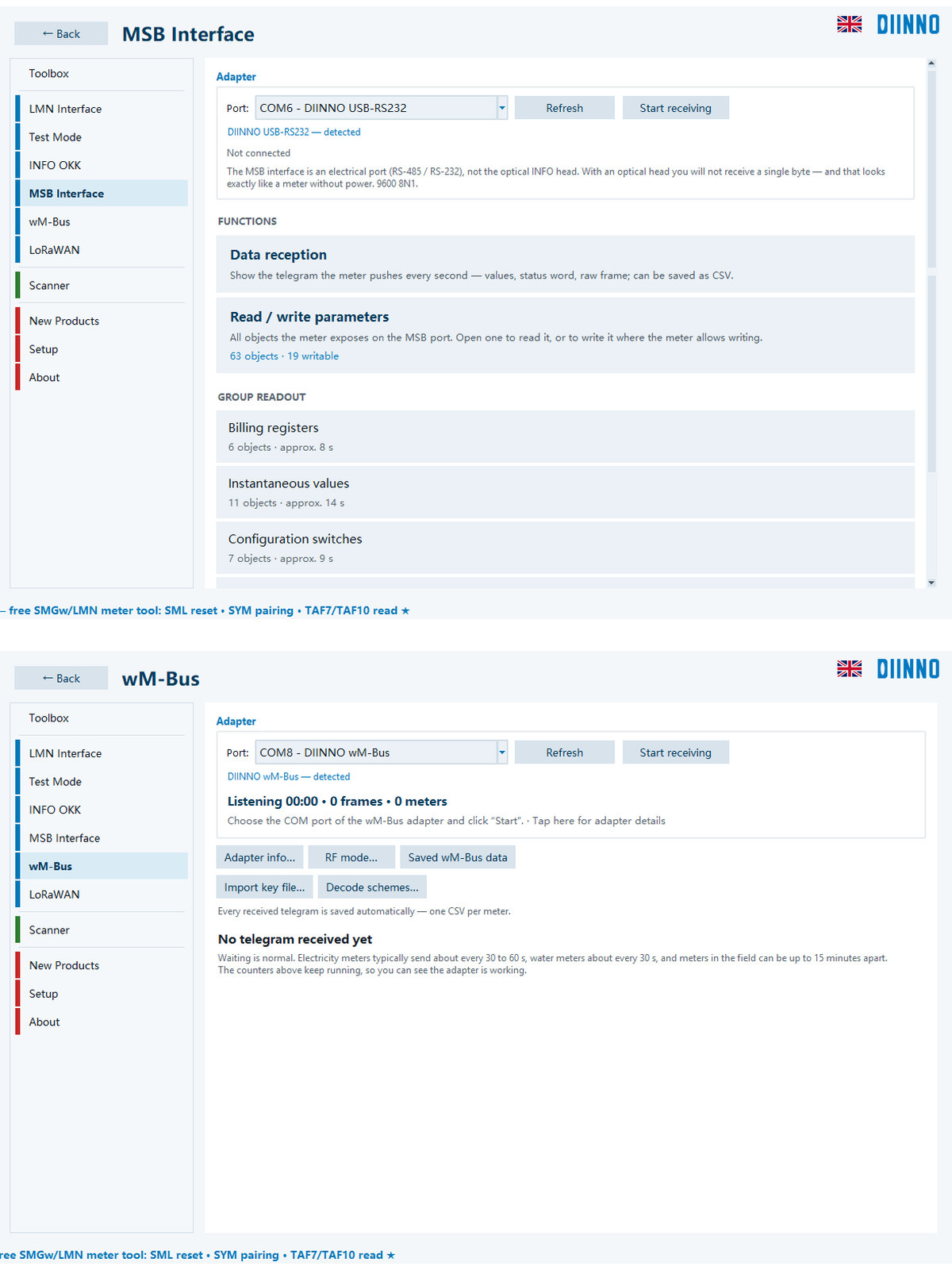
RS232 on the RJ10 socket or RS485 on the terminals: follow the telegrams, read single OBIS objects, read several objects as a group and save them as CSV. Writing is possible where the meter allows it; the program shows the meter number first.
Test mode
Switches the meter's LEDs and test signals (test function of the FNN specification for base meters). This lets you check meter and adapter without extra equipment, pairing or TLS.
wM-Bus
Receives radio telegrams on 868 MHz. Encrypted telegrams are decrypted once you enter the key; the program writes one CSV file per meter.
LoRaWAN
Listens to LoRaWAN traffic with a Dragino LA66 (P2P firmware) to assess join problems and frame counters. Receive only, the program does not transmit.
Scanner
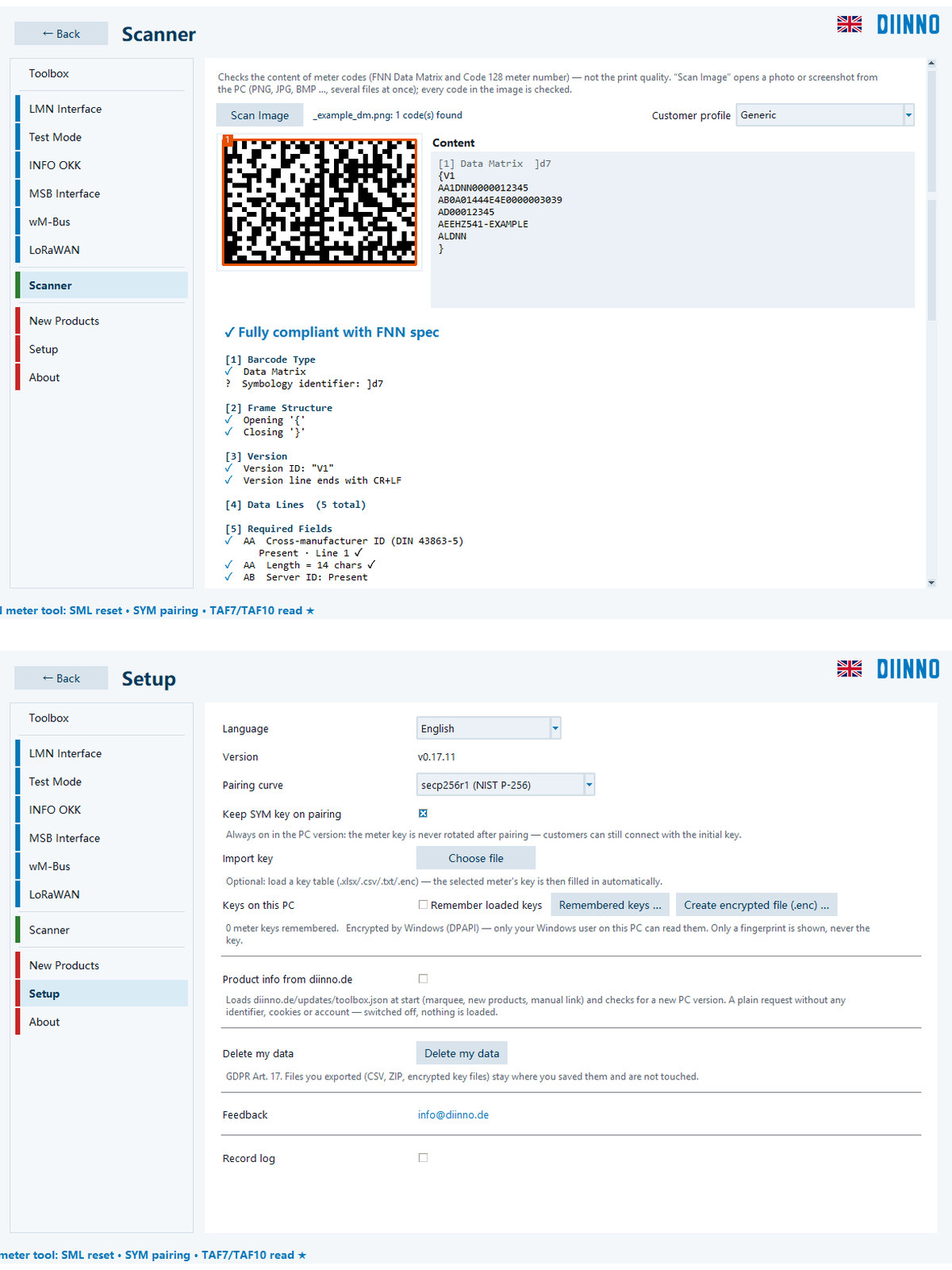
Checks the content of FNN Data Matrix and Code 128 meter codes from photos or screenshots and converts meter numbers into the server ID. No assessment of print quality.
Clear error messages
“Signal inverted” instead of unreadable raw data, with the correct pin-out for Holley RJ10. A hint about the optical head if data arrives but no valid telegram. Optional log, without keys.
Connection & accessories
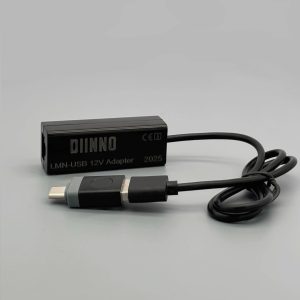
Plug the adapter into a USB port and select the COM port on the page you need. Adapters from other vendors work too; the program only shows a hint.
Technical data
- LMN · test mode
- RS485, 921,600 Bd, 8N1 – LMN-USB12V adapter
- INFO OKK
- 9600 Bd, 8N1, receive only – optical head, centred on the INFO window
- MSB, RS232 (Holley RJ10)
- 9600 Bd, 8N1 – pin 2 = TxD → adapter RxD, pin 4 = GND → GND, pins 1 and 3 open
- MSB, RS485 (terminals 27 / 28)
- 9600 Bd, 8N1 – on the DDZ285-ZEBA A → 28, B → 27; swap A and B if the signal is inverted
- wM-Bus
- DIINNO wM-Bus adapter, 868 MHz
- LoRaWAN
- Dragino LA66 with P2P firmware v1.2.4
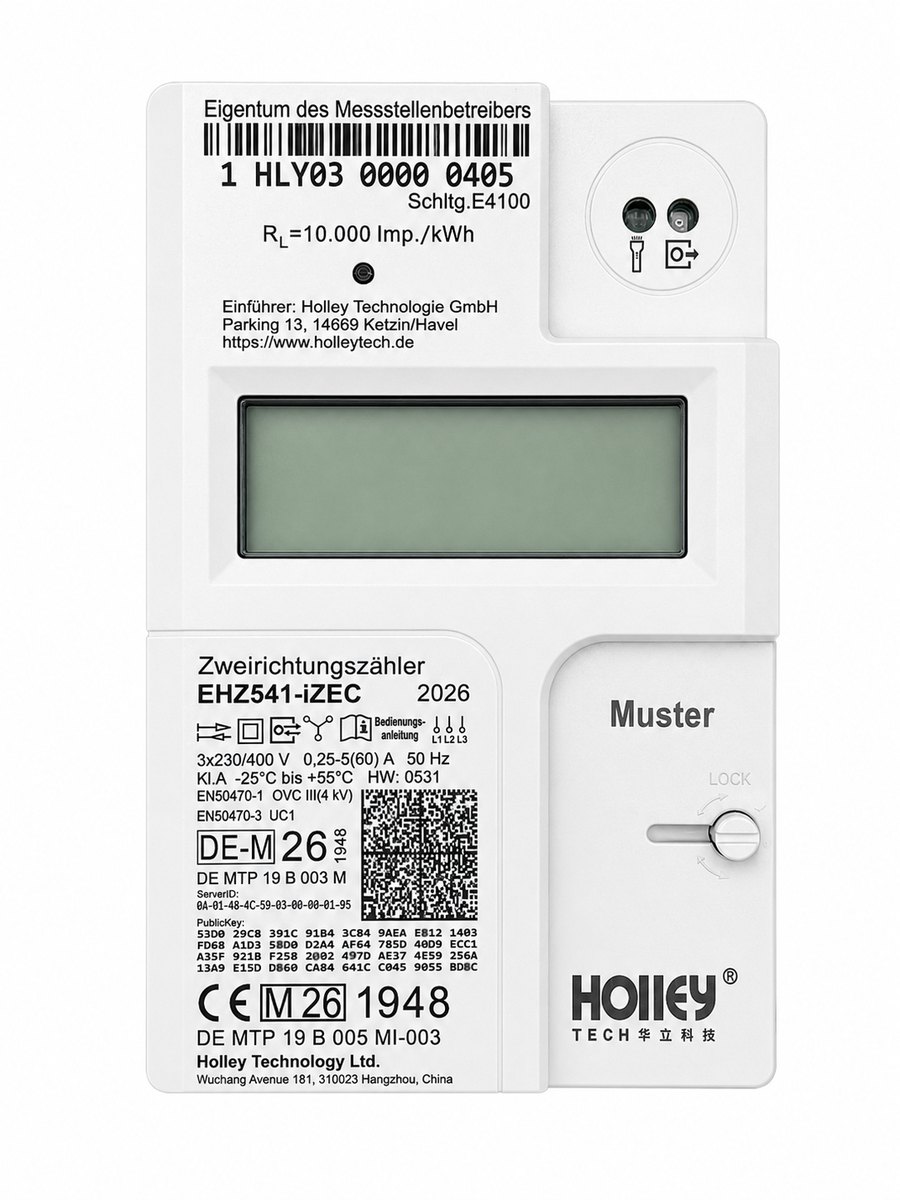
Holley meters, MSB interface: the fourth position of the type code names the interface, C = RS232 and B = RS485. On the RS232 interface we recommend a real RS232 adapter; an RS485 or TTL adapter delivers an inverted signal there.
Documents
The manual describes every page of the program and includes a troubleshooting table.
Software
Download the ZIP file, unzip it completely and double-click the exe. The ZIP also contains a short guide and the open-source licences.
- DIINNO Toolbox PC v0.17.11 This version is not yet digitally signed, so Windows SmartScreen shows “Windows protected your PC”: click “More info”, then “Run anyway”. Verify the SHA-256 value first (PowerShell: Get-FileHash). ZIP: 89c03f0759704d0778c06113cab5bb5a4bfbf997f01adca9673fa354ad4c4c77 · DIINNO_Toolbox_PC_v0.17.11_20261104.exe: 6e60911b63935f7635f7ffa0b200c8871df4971866d846fa9328266fd6aaa38b Download

Works with
Checked combinations from our product data – non-binding, the quotation confirms them.
For technical questions or support requests, simply send us an email – we will get back to you promptly.
Email info@diinno.de