

DIINNO Toolbox
Your smartphone becomes a meter tool – together with the LMN-USB12V adapter
The DIINNO Toolbox turns a smartphone into a professional measuring tool for electricity meters – from LMN communication and the MSB interface to radio reception on 868 MHz. It offers a low-cost entry with professional support and is completely free of charge: no activation code, no account.
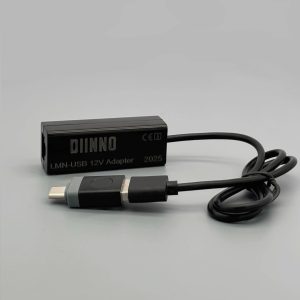
The LMN-USB12V adapter is used to connect to the meter: it establishes the LMN connection via Type-C and generates the required 12 V supply – without an additional power supply unit. Alternatively, you can connect via an IR reading head at the optical INFO interface.
All meter and key data remain encrypted on the device; the app collects no personal data.
Install from Google Play Scan the QR code to install directly
 We sell exclusively to businesses (entrepreneurs within the meaning of Section 14 of the German Civil Code, BGB), legal entities under public law and special funds under public law. No sales to consumers.
Functions
Range of functions according to the current manual – from the field tool on the LMN to radio reception.
Technical data
- Platform
- Android 8.0 or later
- Download
- Google Play Store, free of charge
- Package name
- com.dusheng.android.lmn
- Connection to the meter
- LMN cable connection via LMN-USB12V adapter or IR reading head at the INFO interface
- Radio reception
- wireless M-Bus, 868 MHz – with DIINNO wM-Bus adapter
- Multiple meters
- Several electricity meters can be connected per device
- Languages
- German, English, Chinese
- Privacy
- Meter and key data remain encrypted on the device; no account required
LMN Interface
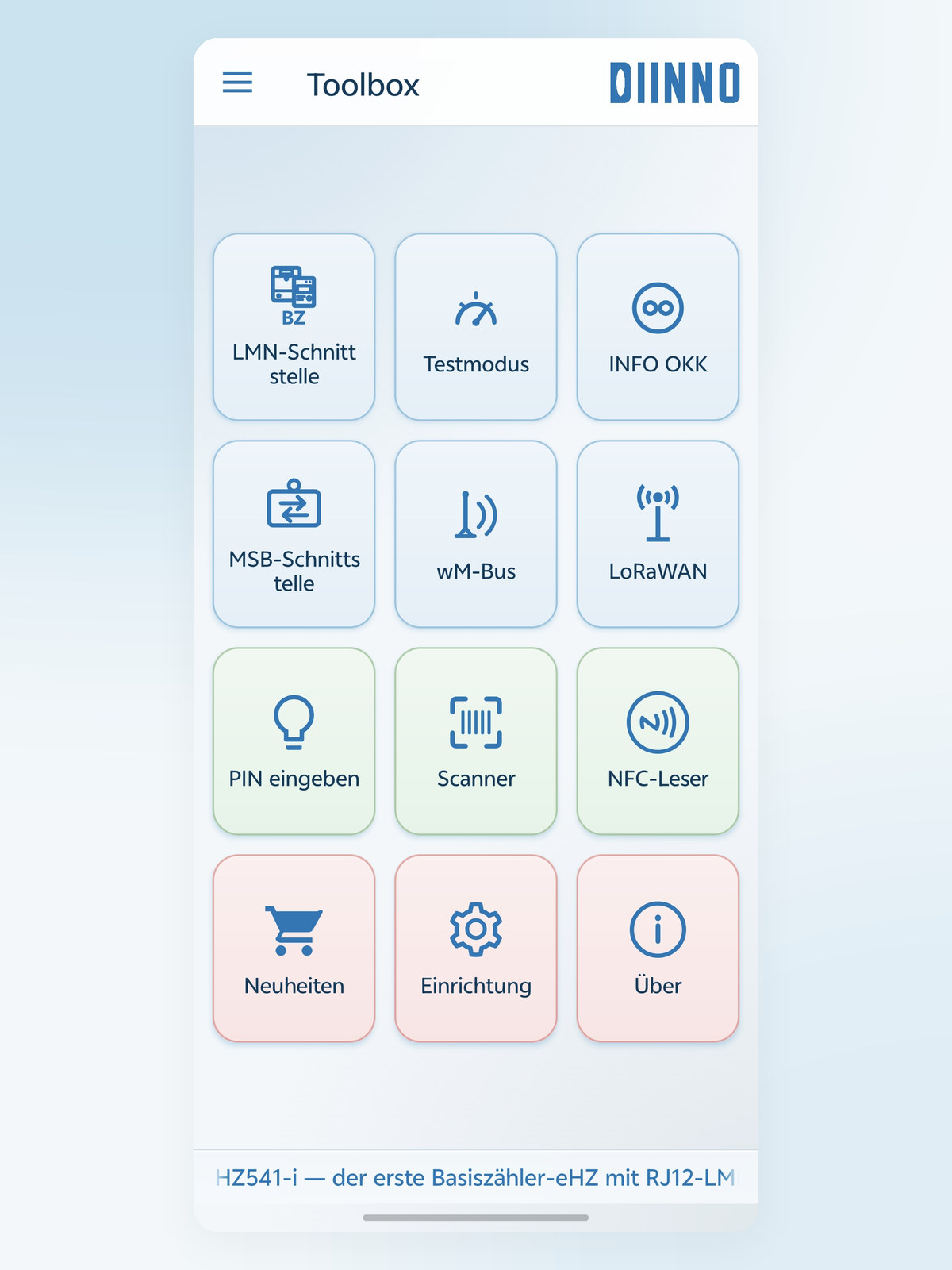
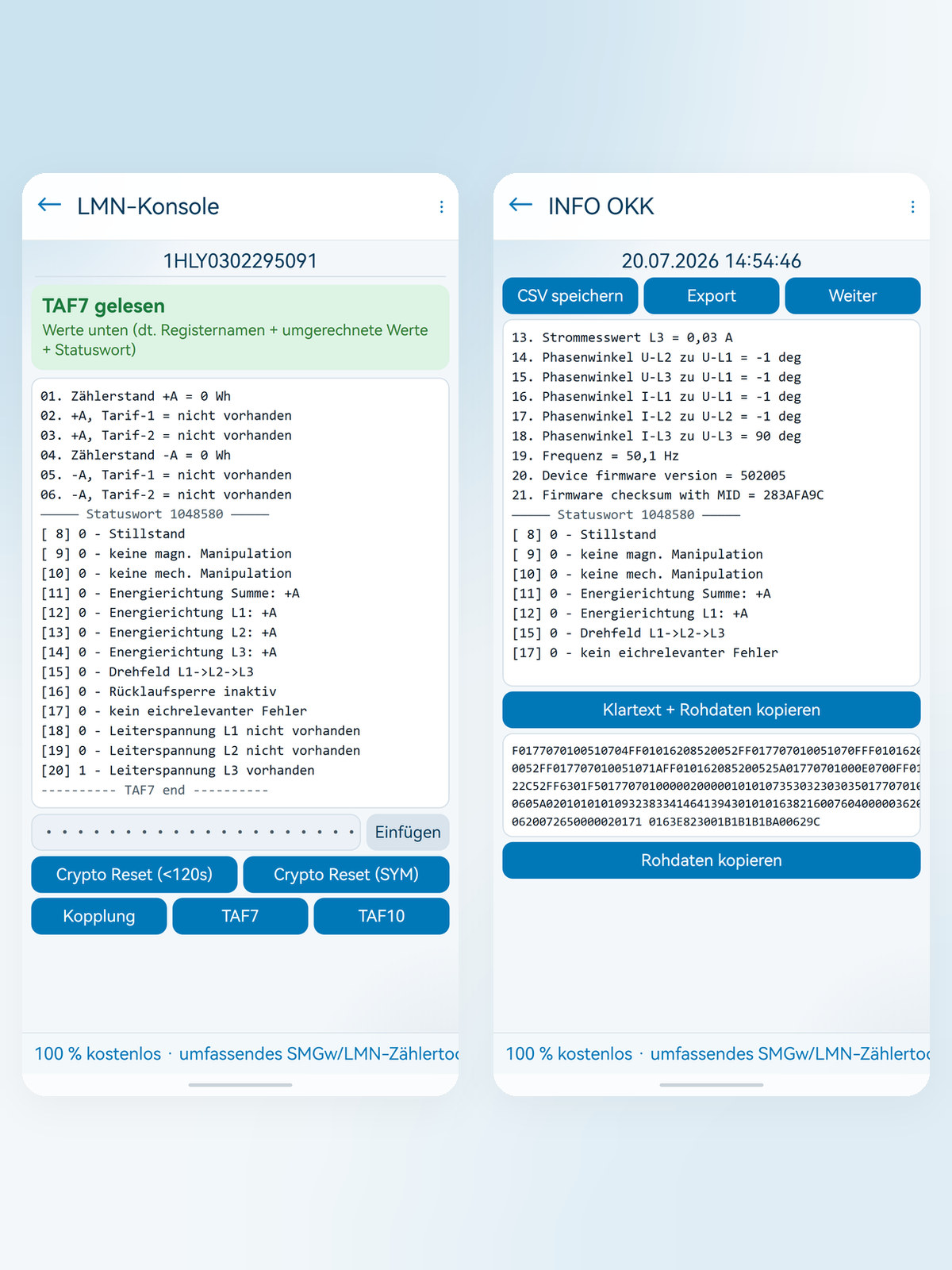
Console with five keys: SML reset, crypto reset (SYM), pairing with subsequent TLS setup, and TAF7 and TAF10 readout. Every action reports its result in a coloured banner; the readings appear with the register name, the converted value with unit and the evaluated status word.
Test Mode
Implements the test mode newly introduced in the FNN specification for base meters (Lastenheft Basiszähler, version 1.5): activate individual states selectively and thus test meter and adapter without additional equipment.
INFO OKK
Reads the SML data stream sent every second by the optical INFO interface via the IR reading head. Processed readings at the top, raw data below – with continuous CSV recording and export.
MSB Interface
The sealable, bidirectional data interface of the EDL meter: monitor telegrams every second, read individual OBIS objects and – where permitted – write them, or read out several objects as a group in one pass and export them as CSV. Before every write operation, the app shows the meter number for checking.
wM-Bus
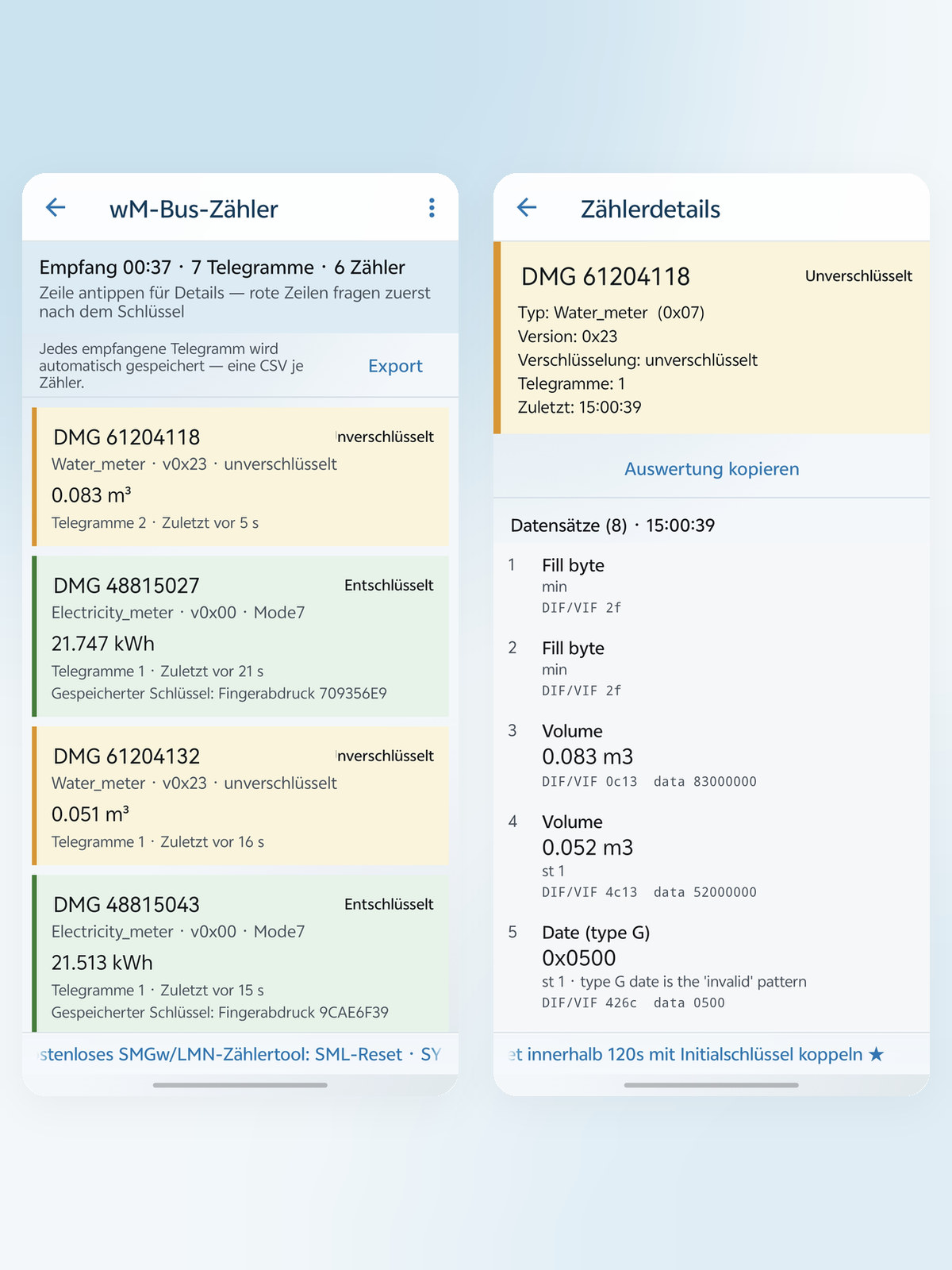
Reception of radio meter telegrams on 868 MHz (wireless M-Bus) for water, heat and gas meters as well as radio-enabled electricity meters. Encrypted telegrams are decrypted once the key has been entered; the app records one CSV file per meter.
Input PIN
Transmits the four-digit meter PIN as torch light pulses to the optical interface, unlocking protected displays.
Scanner
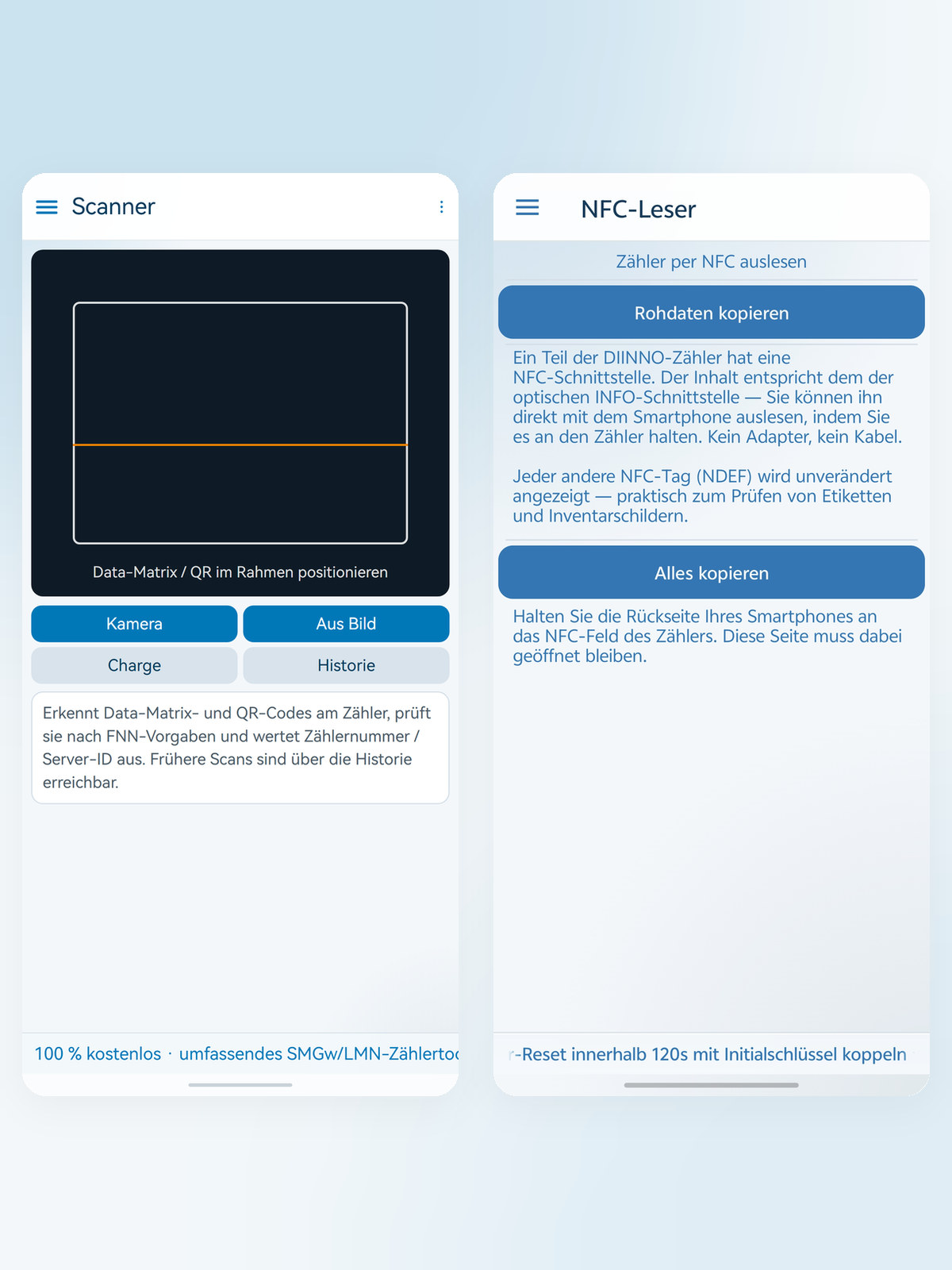
Reads the meter's Data Matrix/2D barcode and checks it against the FNN rules – with format check, evaluation of meter number and server ID, and a history of earlier scans.
NFC Reader
Some DIINNO meters have an NFC interface with the same content as the optical INFO interface – readable without adapter and without cable. Any other NDEF tag is displayed as well, which is handy for checking labels and inventory tags.
Key vault & device keys
Encrypted key store (AES-256-GCM) instead of plain-text lists on the service device: when a meter is opened, only its key is used; the others remain invisible. Learned LMN and wM-Bus keys are collected in the “Device keys” list – shown there only as a fingerprint, never in plain text.
Log
On request, the app records the entire communication. The export can be limited to a time range – with estimated file size – and sent directly to DIINNO by email.
LoRaWAN (in development)
The entry is already visible on the start screen; the function will be enabled with a later update.
Connection & accessories
Two ways to the meter – and matching accessories from the manufacturer: the app detects which DIINNO adapter is plugged in and enables the corresponding function.
Technical data
- LMN Interface · Test Mode
- LMN-USB12V adapter (RS485) – adapter model check currently suspended
- INFO OKK
- DIINNO INFO optical head (IR reading head)
- MSB Interface
- DIINNO LMN-USB RS485 or DIINNO USB-RS232
- wM-Bus
- DIINNO wM-Bus adapter, 868 MHz
- NFC Reader
- No accessories needed – NFC hardware of the smartphone
- Suitable meters
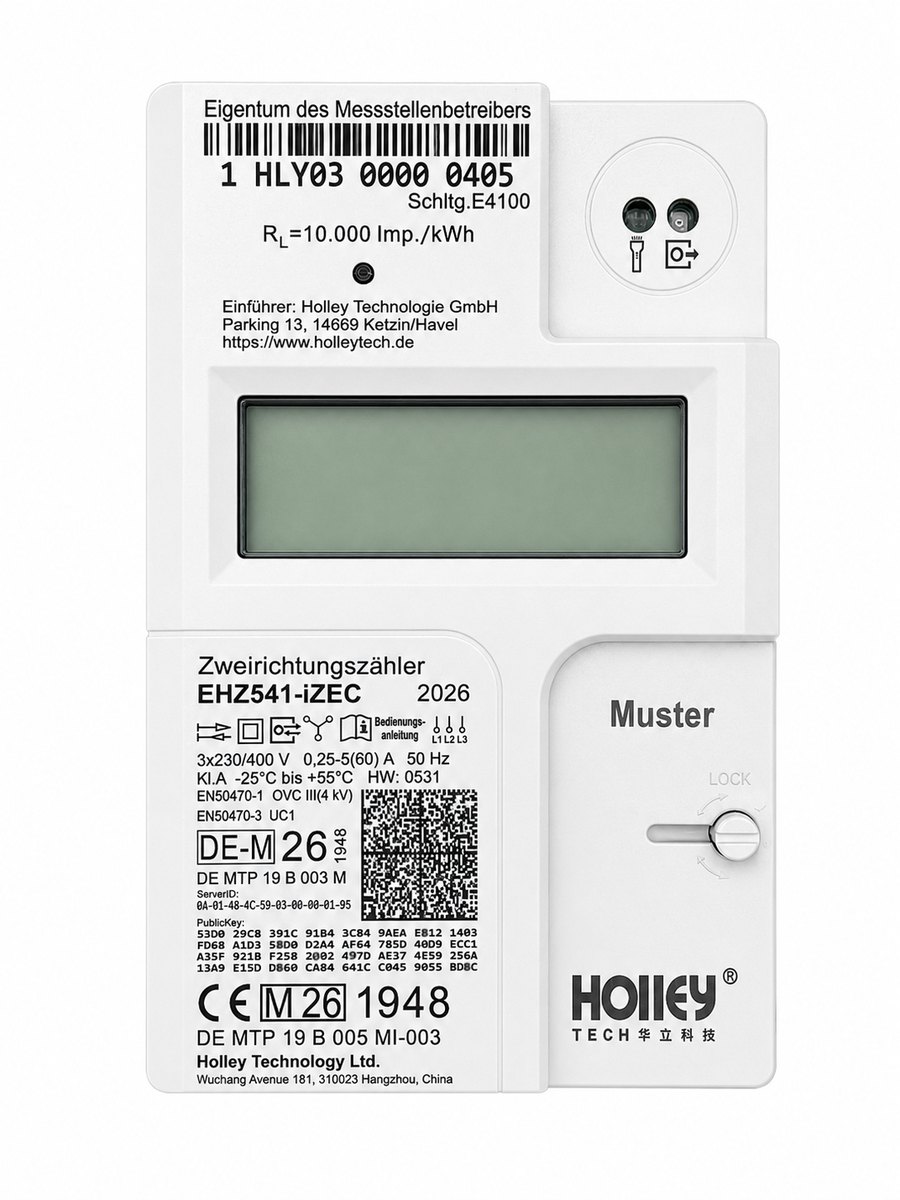
- Base meters with LMN interface, e.g. EHZ541-i
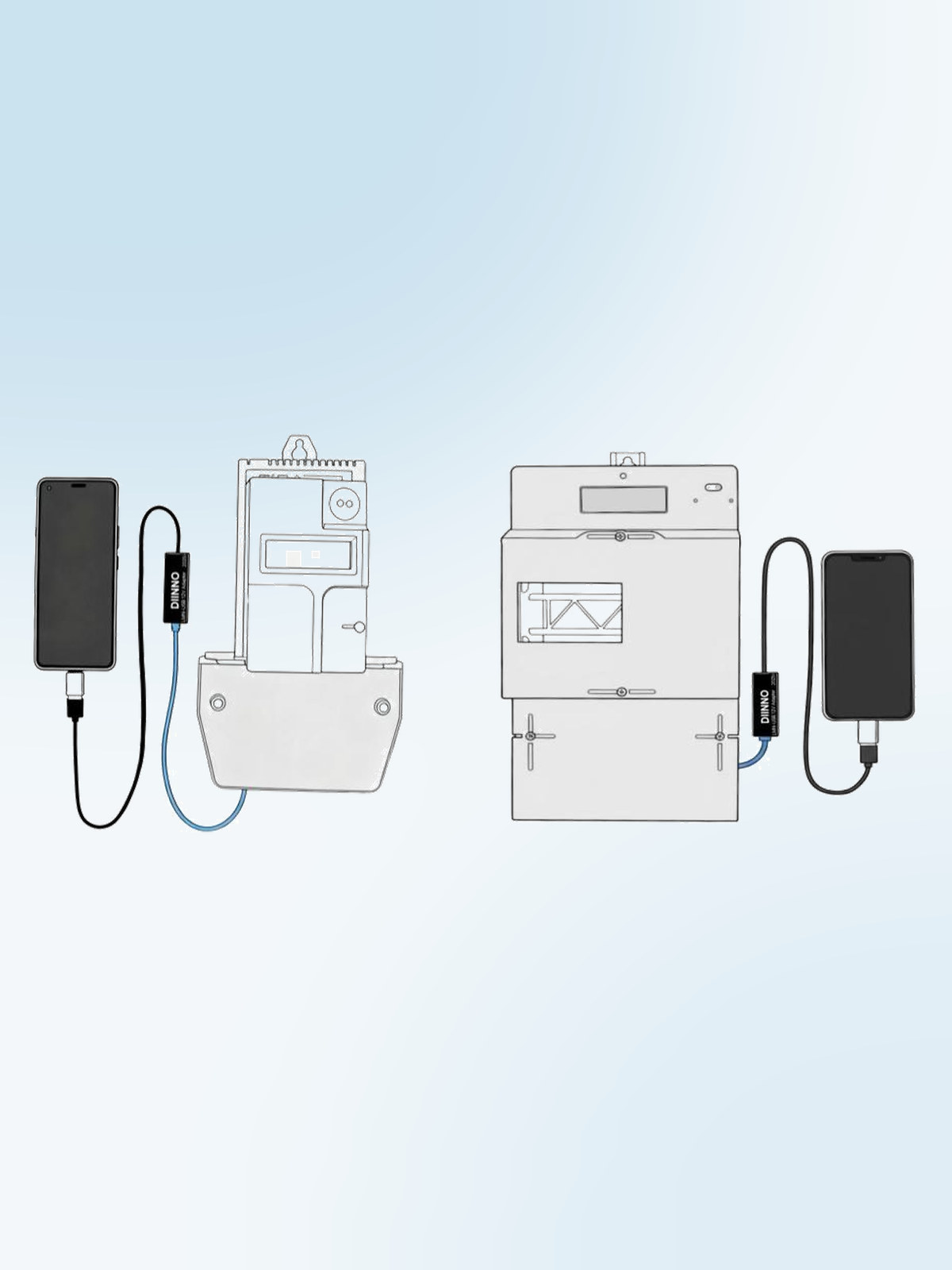
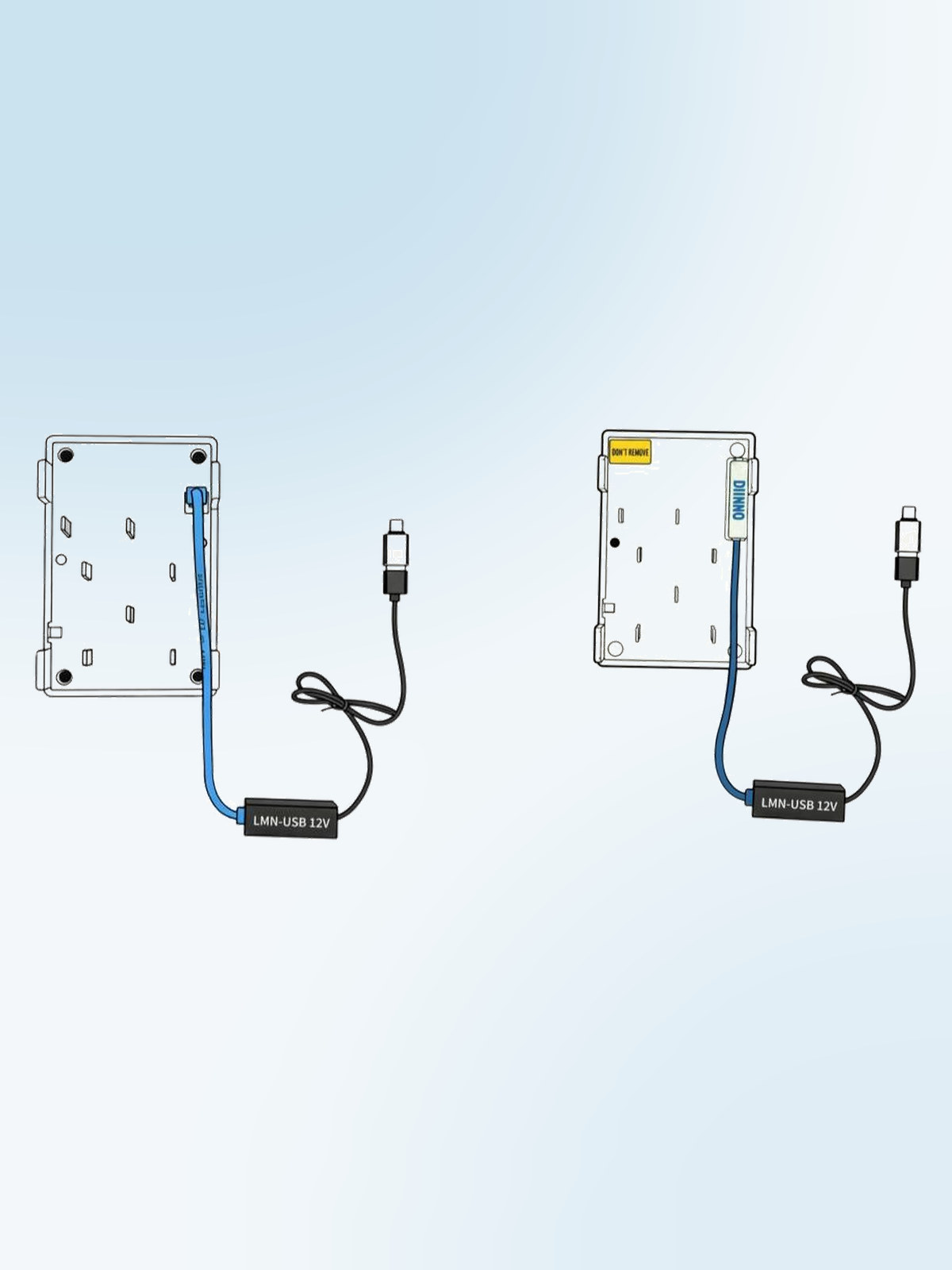
LMN cable connection: Connect the meter to the LMN-USB12V adapter via an LMN communication adapter or an RJ12 LMN bus cable, and plug the adapter into the smartphone via Type-C. The adapter generates the required 12 V supply itself – no separate power supply unit is needed.
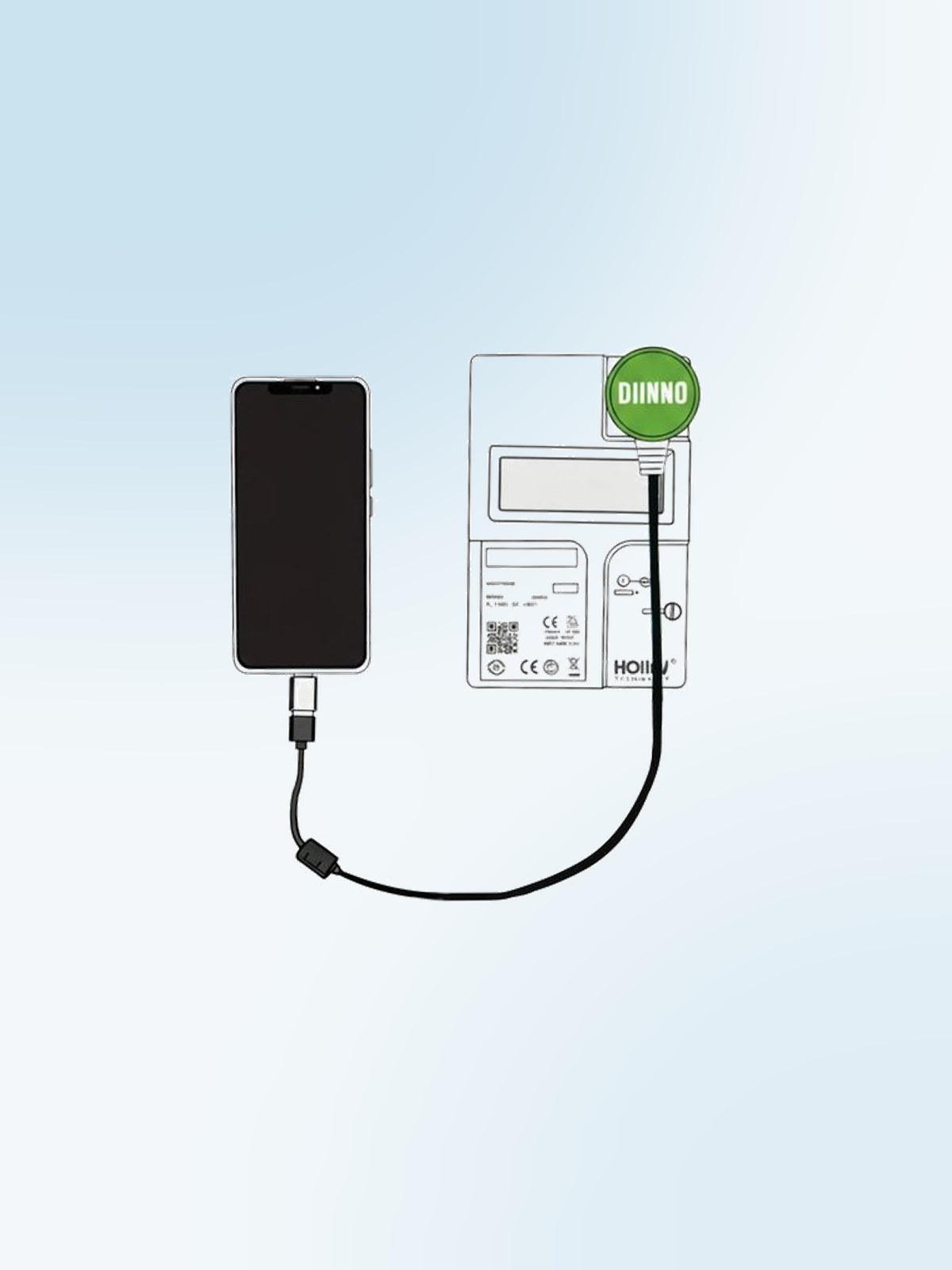
IR reading head connection: Place the optical probe flush on the meter's INFO port and fix it with the magnet, then connect the reading head to the smartphone via Type-C.
Adapter detection: INFO OKK, MSB Interface and wM-Bus work exclusively with the matching DIINNO adapter. A generic USB-to-serial stick is rejected – the app then names the expected type. The LMN Interface is exempt from this check; existing setups continue to work unchanged.
Documents
The documents open directly in your browser and can be saved if required. The manual is also linked in the app under “About”.
Software
The app is installed free of charge from the Google Play Store.
- DIINNO Toolbox App (Android) Download
For technical questions or support requests, simply send us an email – we will get back to you promptly.
Email info@diinno.de